Product
One panel for your call center.
Build your voice assistants, monitor calls live and score every call with your quality form — all in one place.
Voice Assistants
Build your own voice assistant.
Build your assistant: how it greets, what it says and which tasks it handles.

Share the renewal quote. If the customer is busy, record their callback preference.
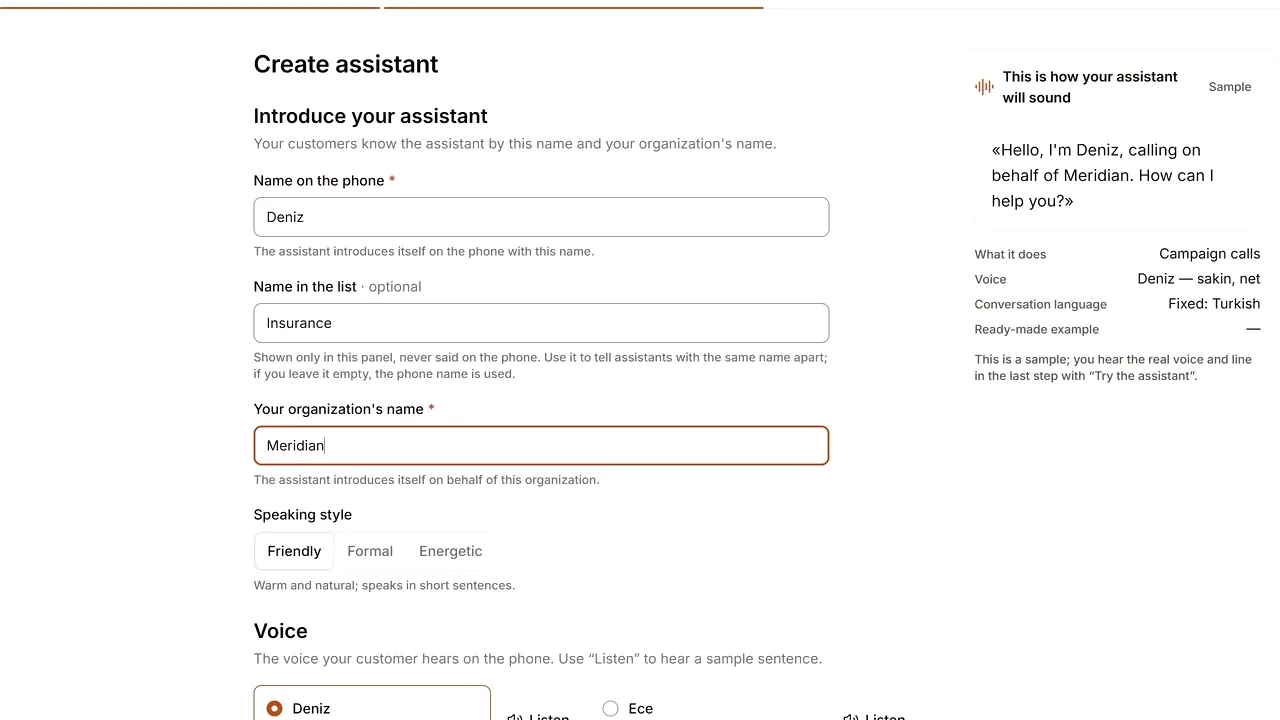
Assistant instructions
Describe who the assistant is, how it speaks and what it should know in plain sentences. Add a few sample conversations and it picks up the tone.
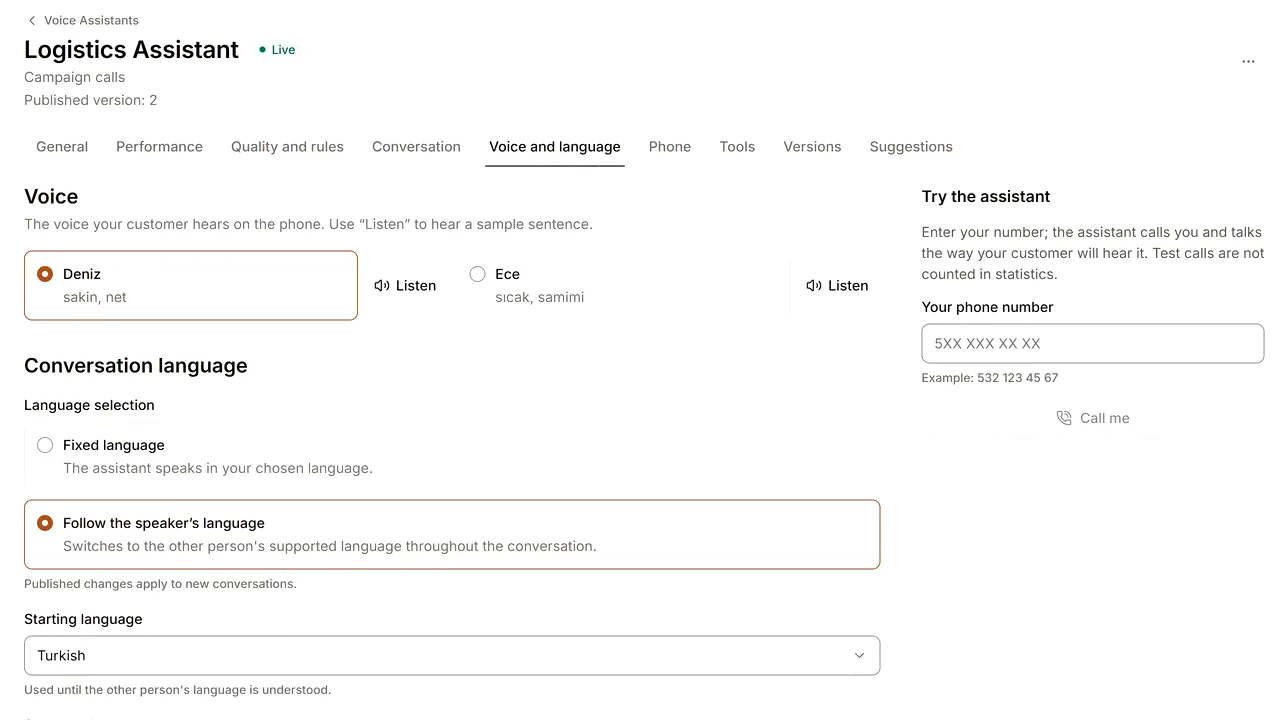
Natural voice
Pick a voice and set the pace. When the customer interrupts, the assistant stops, waits for them to think, then continues where it left off.
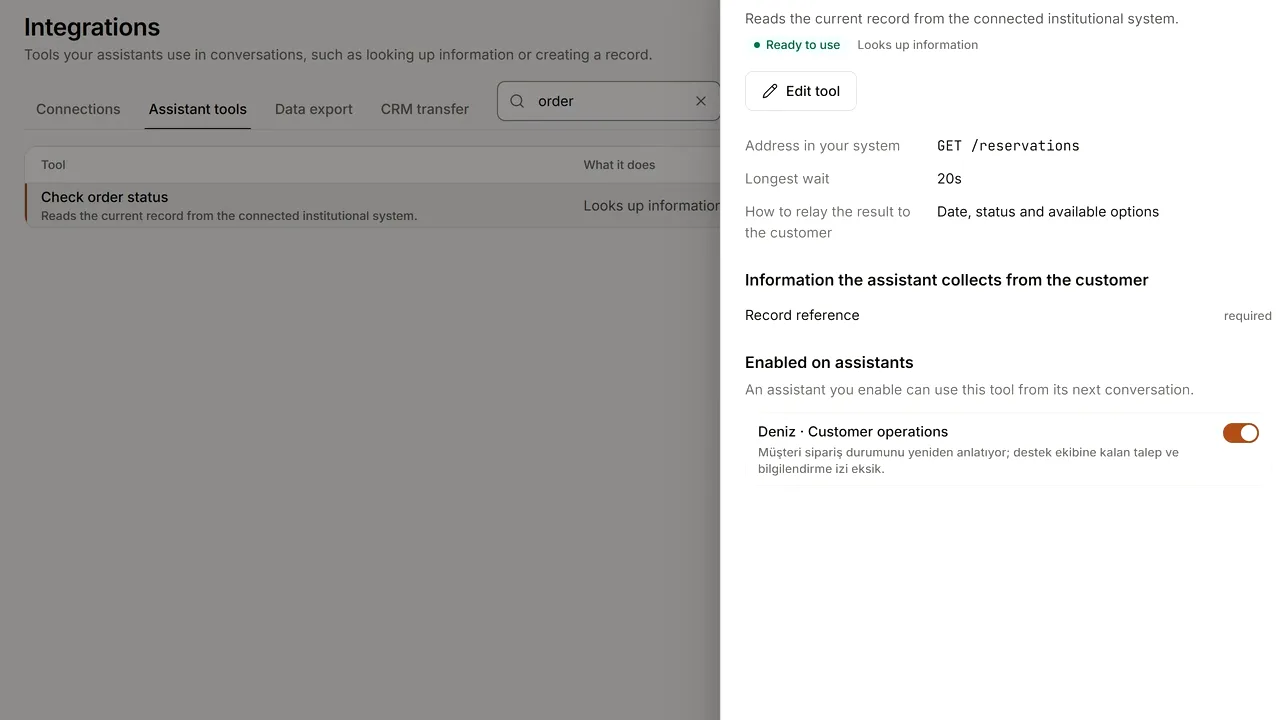
Tasks during the call
It sends the offer by SMS, emails the details, shares the payment link and records what the customer says.
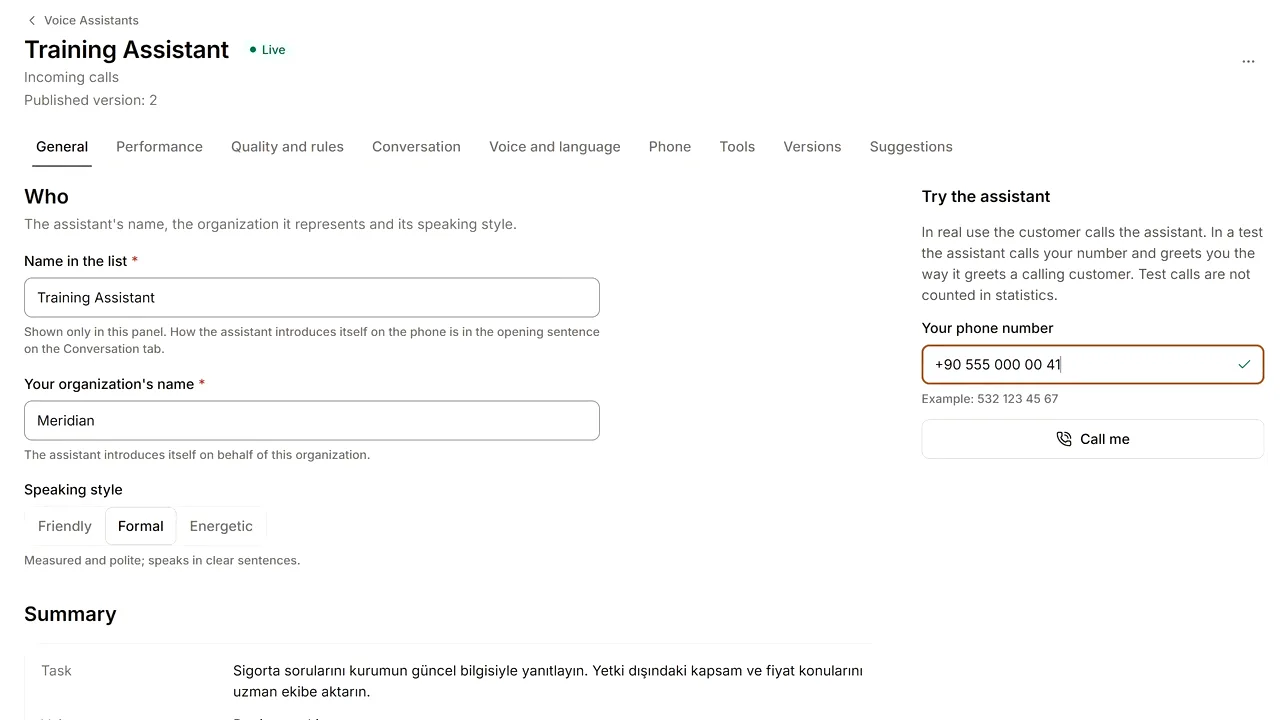
Test calls and versions
Make a test call before going live. Every change is saved as a new version, so you can roll back when needed.
Live Monitoring
Monitor every ongoing call from one screen.
See ongoing calls on one screen and listen in to any of them instantly.

See waiting calls in the customer-support queue.
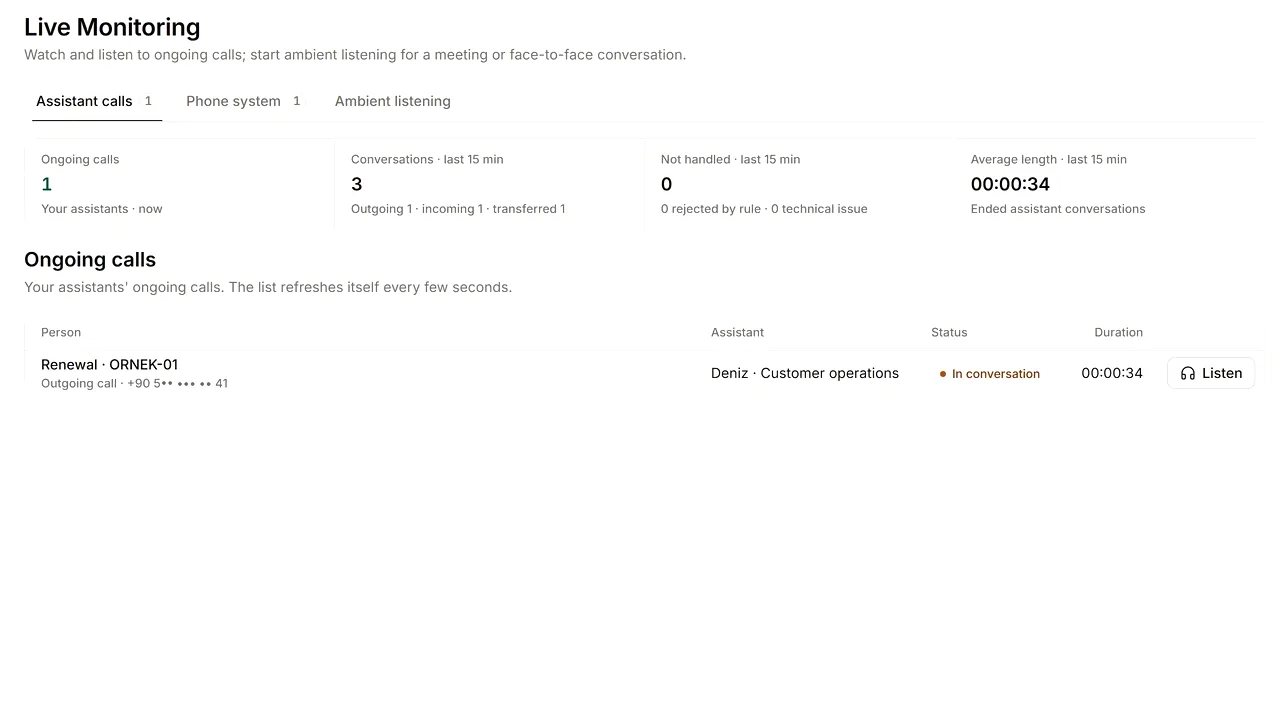
Live list
Ongoing calls, waiting callers and elapsed time in one list that updates itself.
Live listening
Tap a call and listen instantly; neither the customer nor the assistant is interrupted.
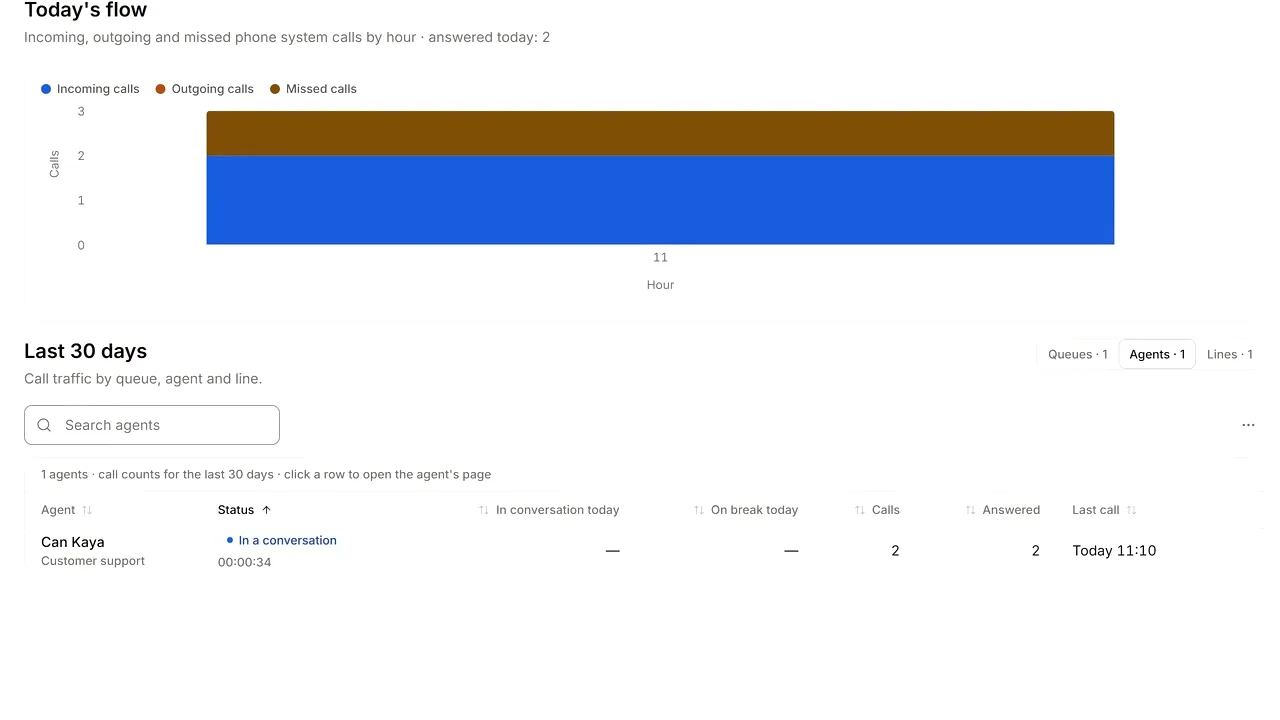
Phone system view
If you connected your phone system, you also see your agents' calls and queues in the same place.
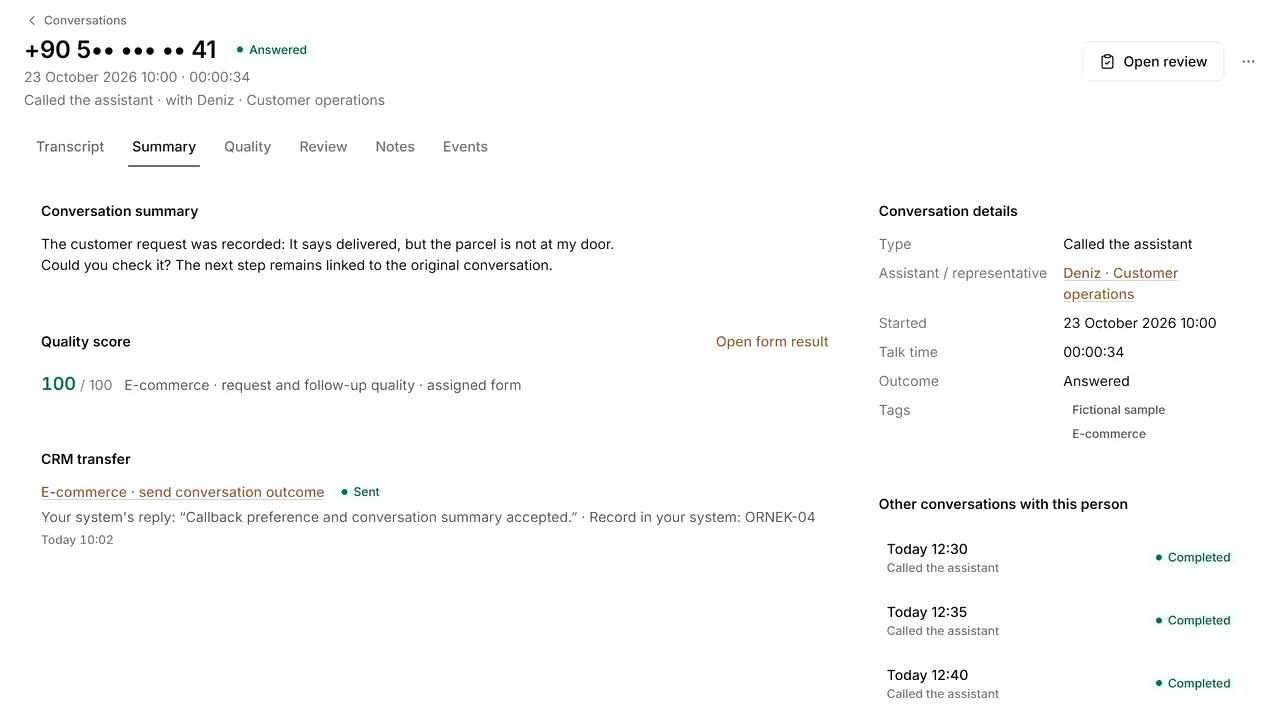
Recording and summary
As soon as a call ends, its recording and summary land in the Conversations list; share them with one link.
AI Analyses
Score every call with the same measure.
Every call is scored with your quality form; transcript, summary and outcome are prepared automatically.

Choose the recording and the quality form used to assess it.
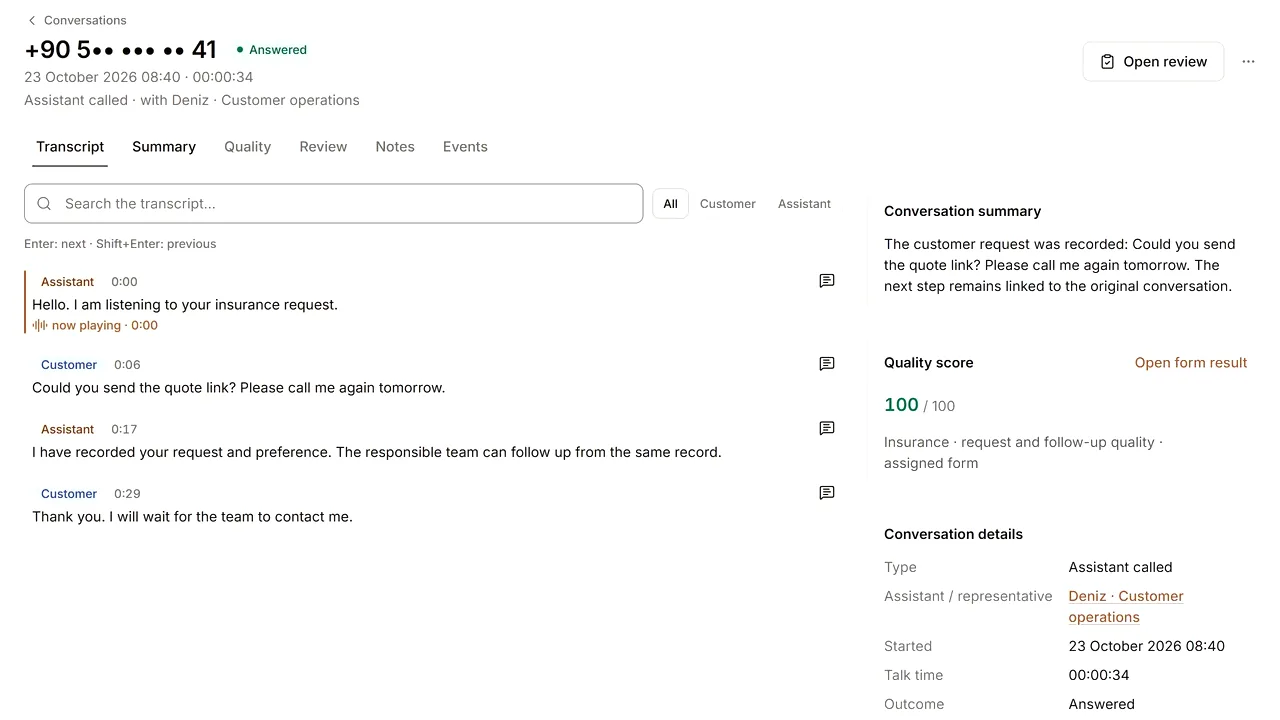
Who said what
On the phone the assistant and the customer are recorded on separate channels; every sentence is tied to its speaker and time.
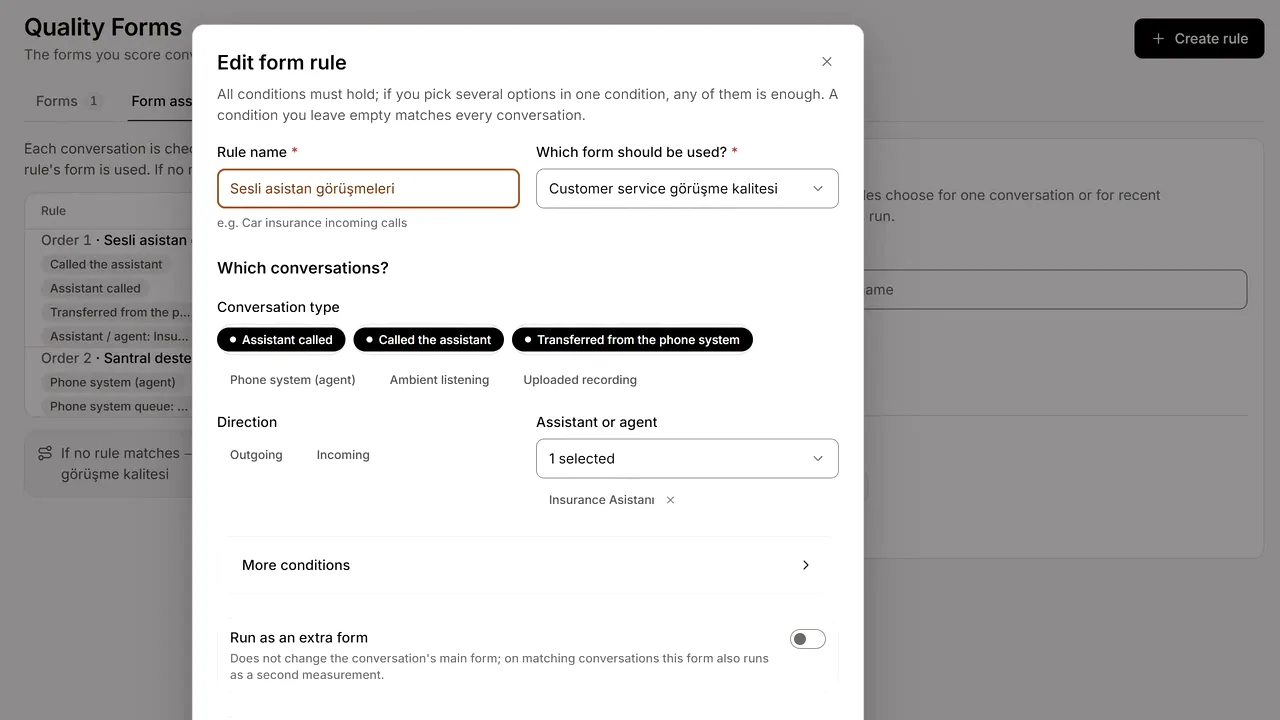
Quality form
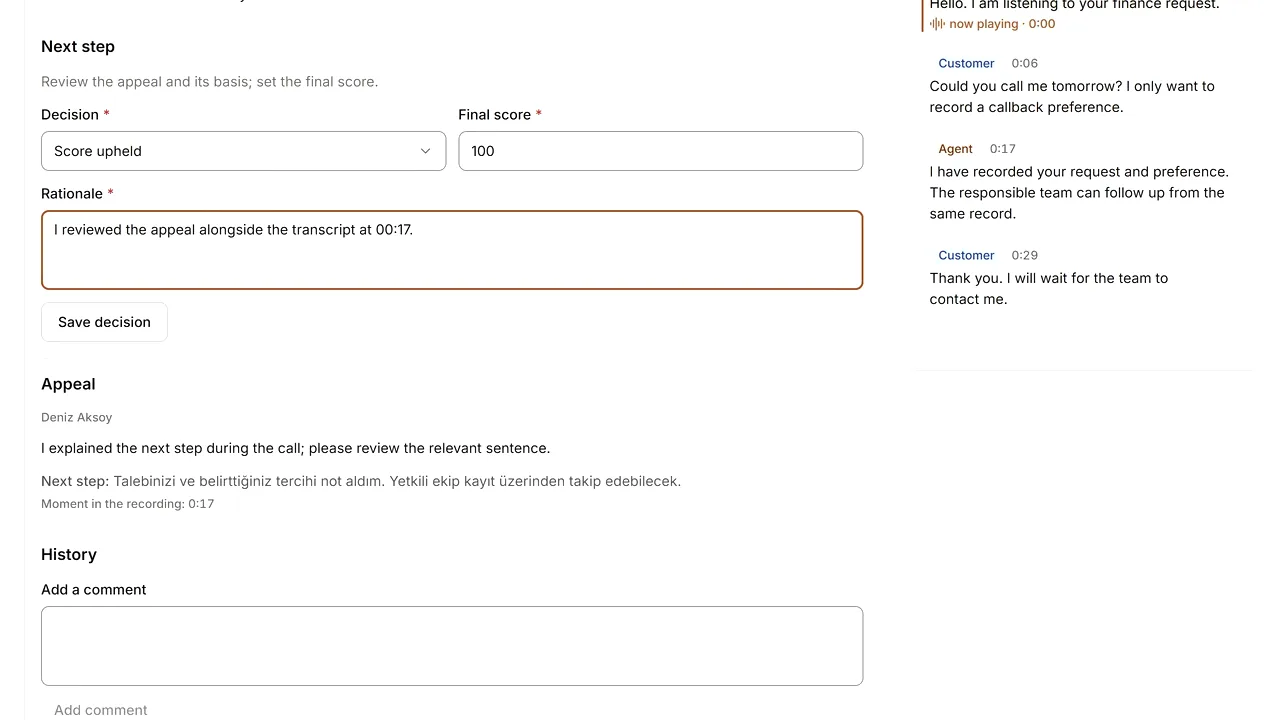
Build your own quality form; every call is scored against it. Correct a result you disagree with — the original value is kept for comparison.
Outcome and checkpoints
Each call is tagged with topic and outcome; checkpoints such as “was a payment plan offered?” are marked yes / no.
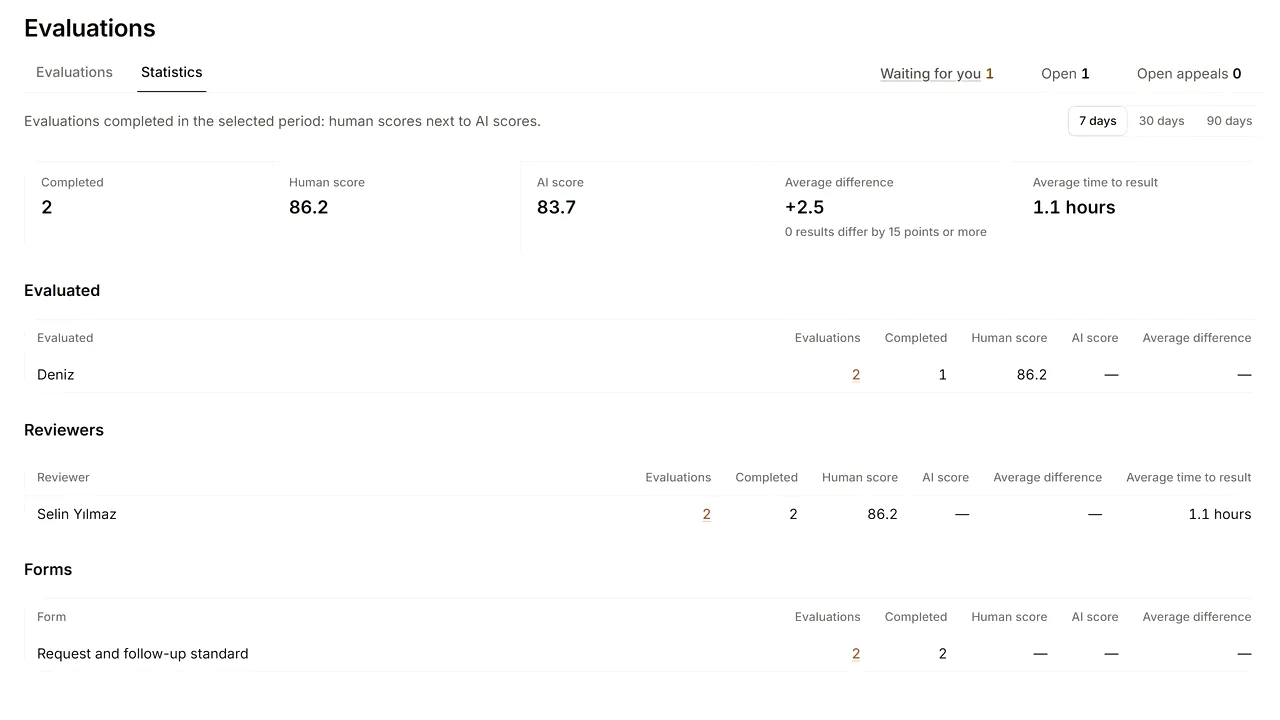
Reports
Average call length, quality score and topic mix by assistant, team and day; weekly change at a glance.
CRM Delivery
Carry the outcome into your system, with a receipt.
The outcome of a conversation lands in your system with a receipt; no second record is opened for the same conversation.

The customer request and conversation summary stay in one record.
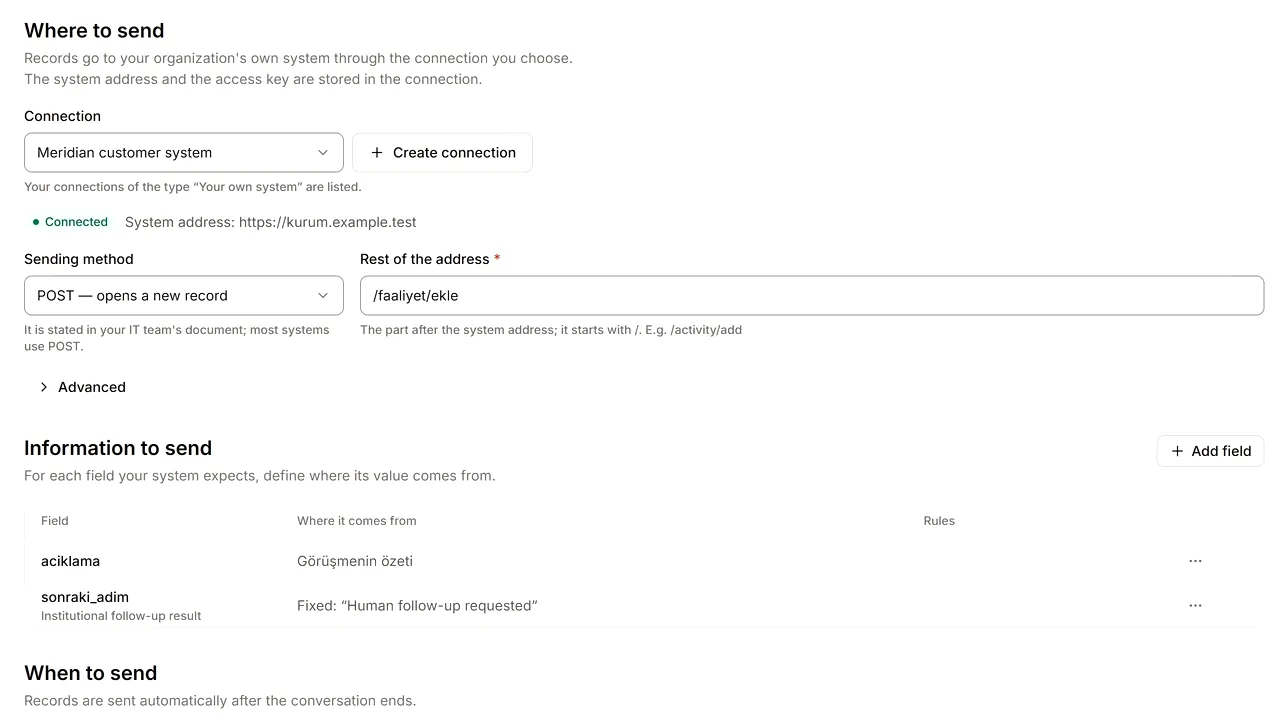
Recipe and published version
Field mapping, delivery method and conditions are stored with the published version; earlier deliveries keep their own version.
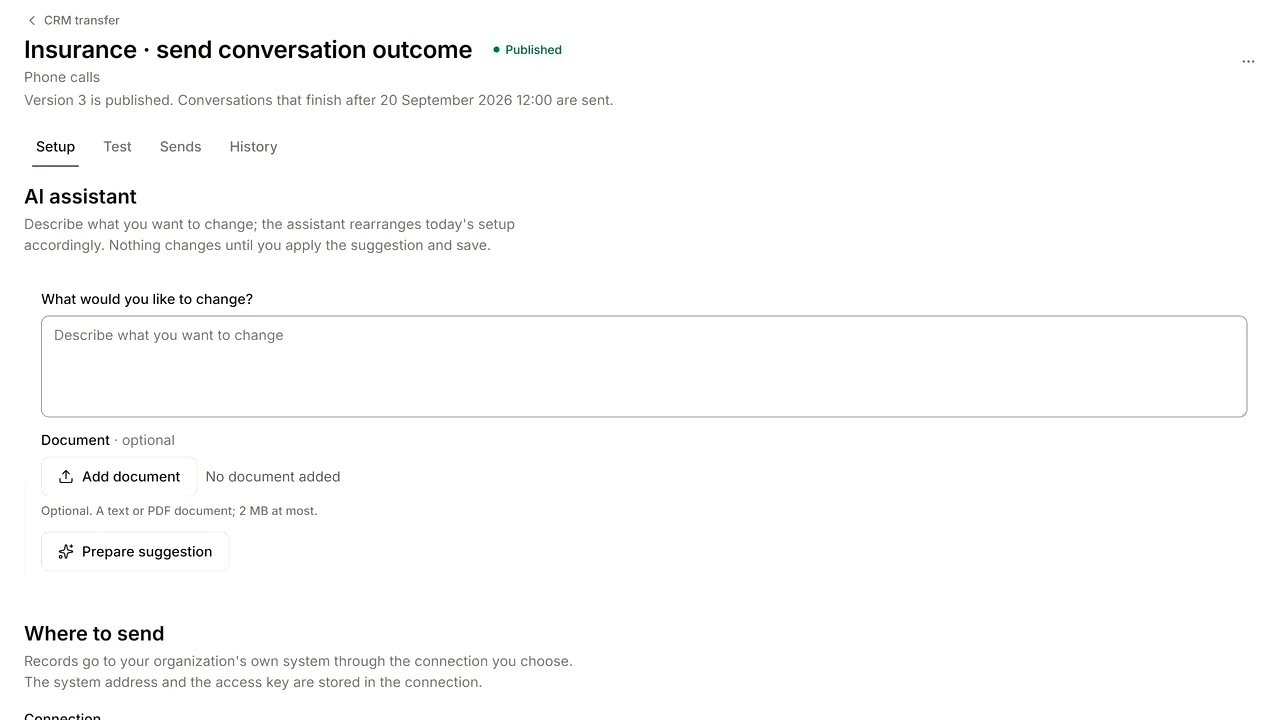
Masked preview
Before publishing you try a single conversation; personal data stays masked in the preview.
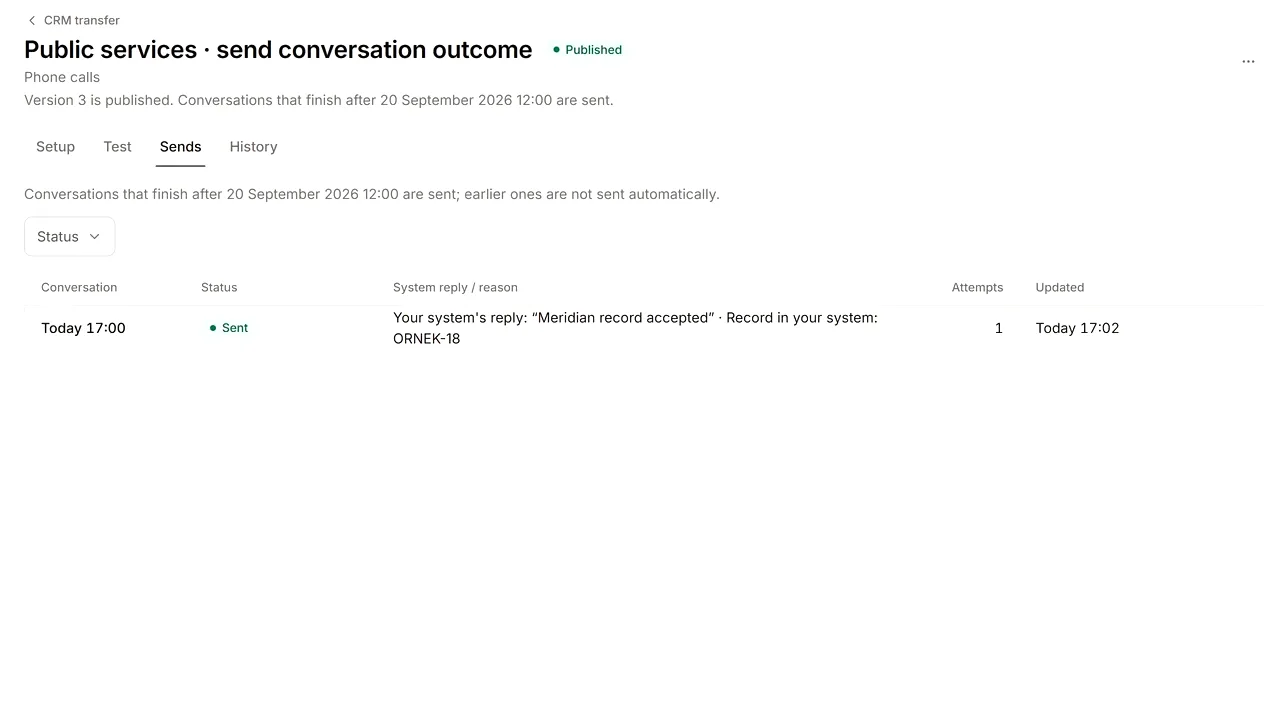
Receipt and one record
Every delivery stores your system’s response and record number; the same conversation is never sent twice.
Reconciliation
If your system does not answer, the delivery is not retried on its own; it shows as failed, you check and resend by hand.
Ambient Listening
Listen to meetings too, and find the summary ready.
Record meetings and face-to-face conversations; transcript and summary are prepared automatically.

Select the training session and open its participants and source transcript together.
Audio source
Microphone, meeting app audio or both; volume levels are balanced automatically.
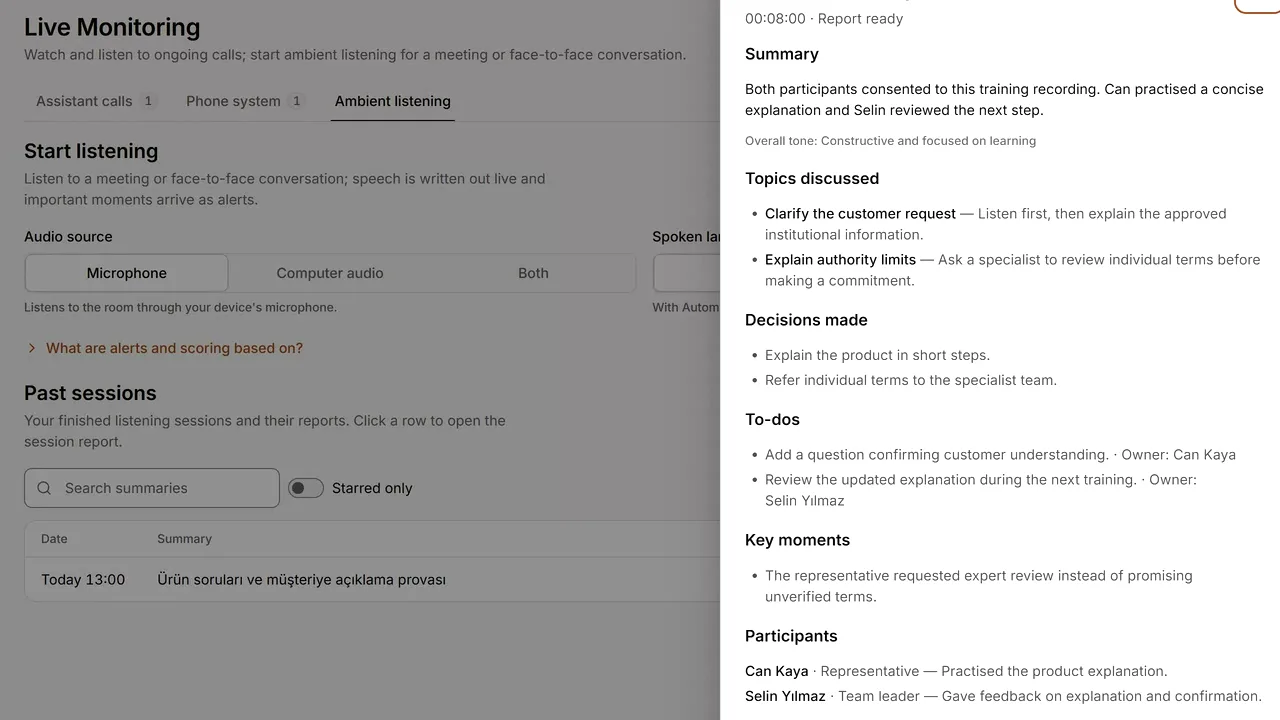
Live transcript
Sentences appear as they are spoken; a voice you know is matched to its name.
Live analysis
During the meeting, topics, decisions and to-dos collect in the side panel.
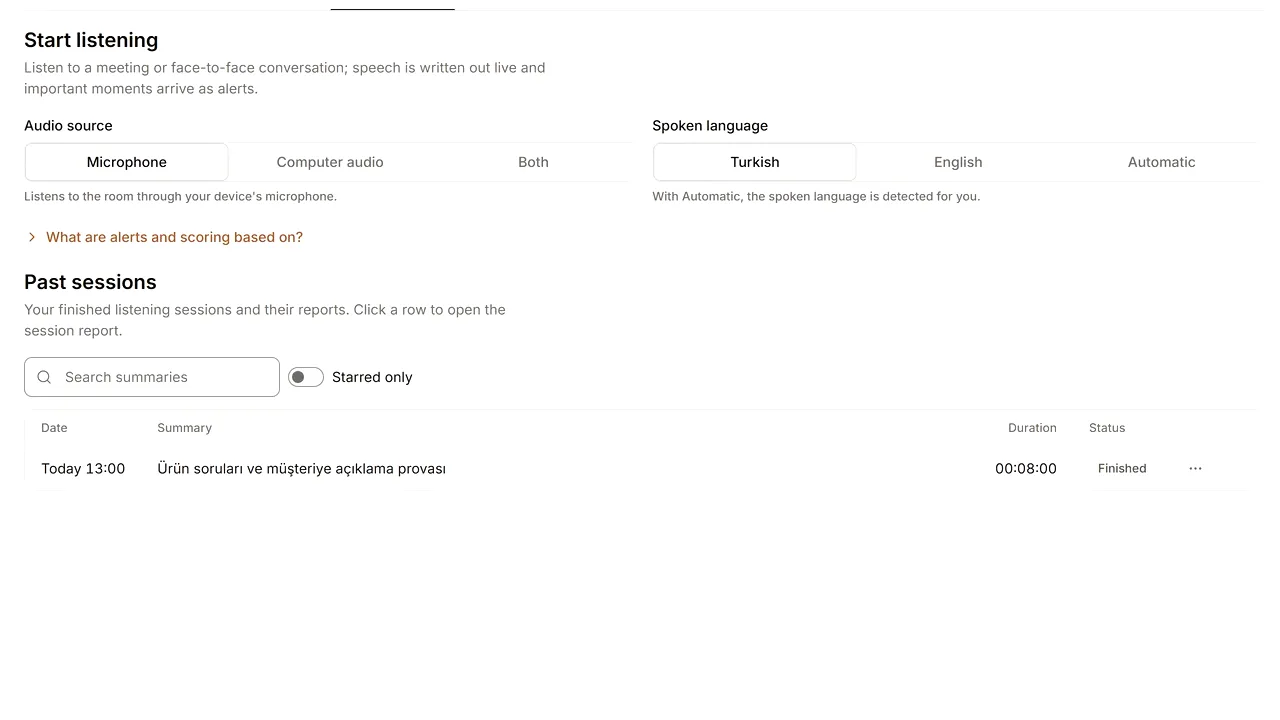
One list
Every ambient session lands in the Conversations list next to phone calls; find it with the same filters.
Let's see how it would work in your call center.
In a 30-minute call we listen to your operation and share a pilot plan in writing. We verify your current line’s compatibility together.