Ambient Listening
Listen to meetings too, and find the summary ready.
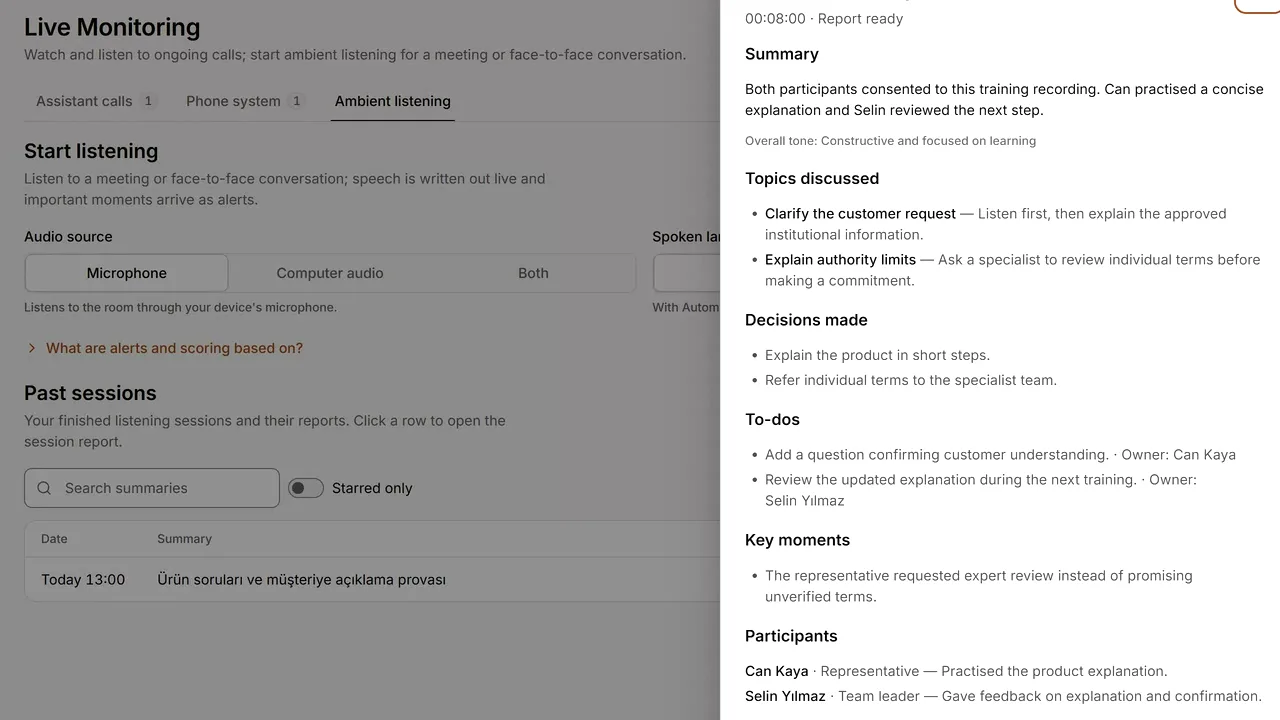
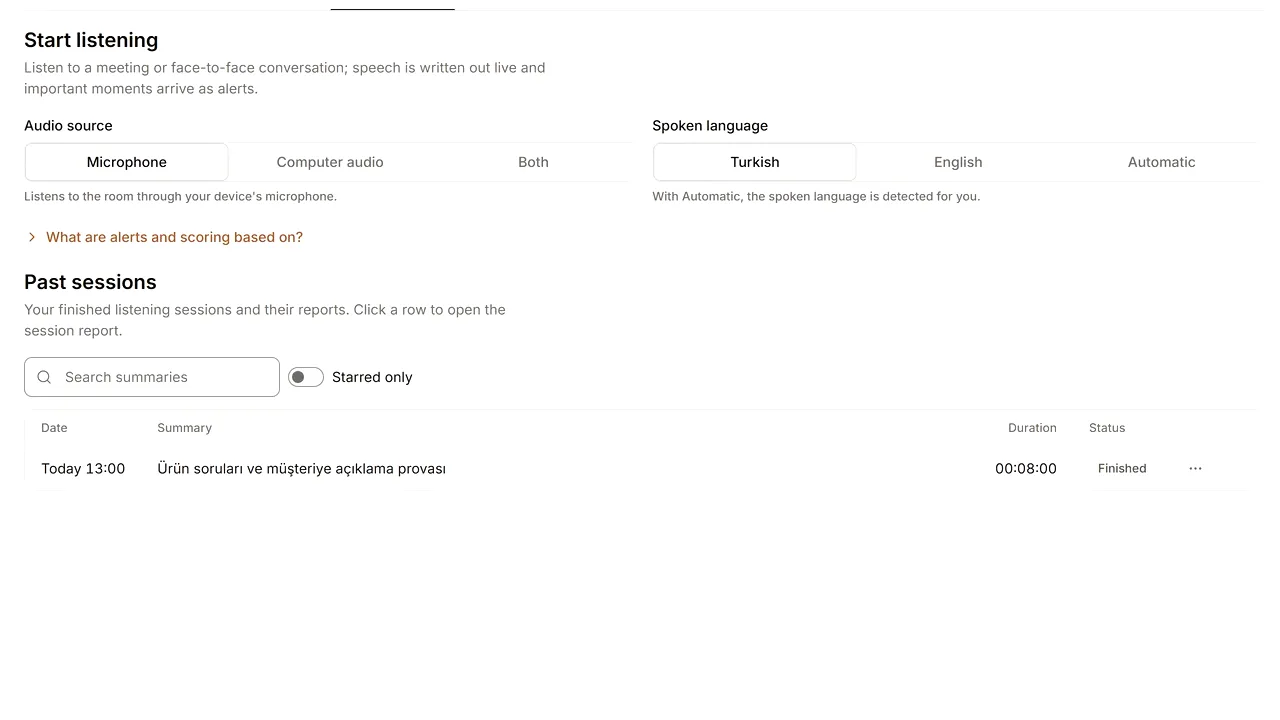
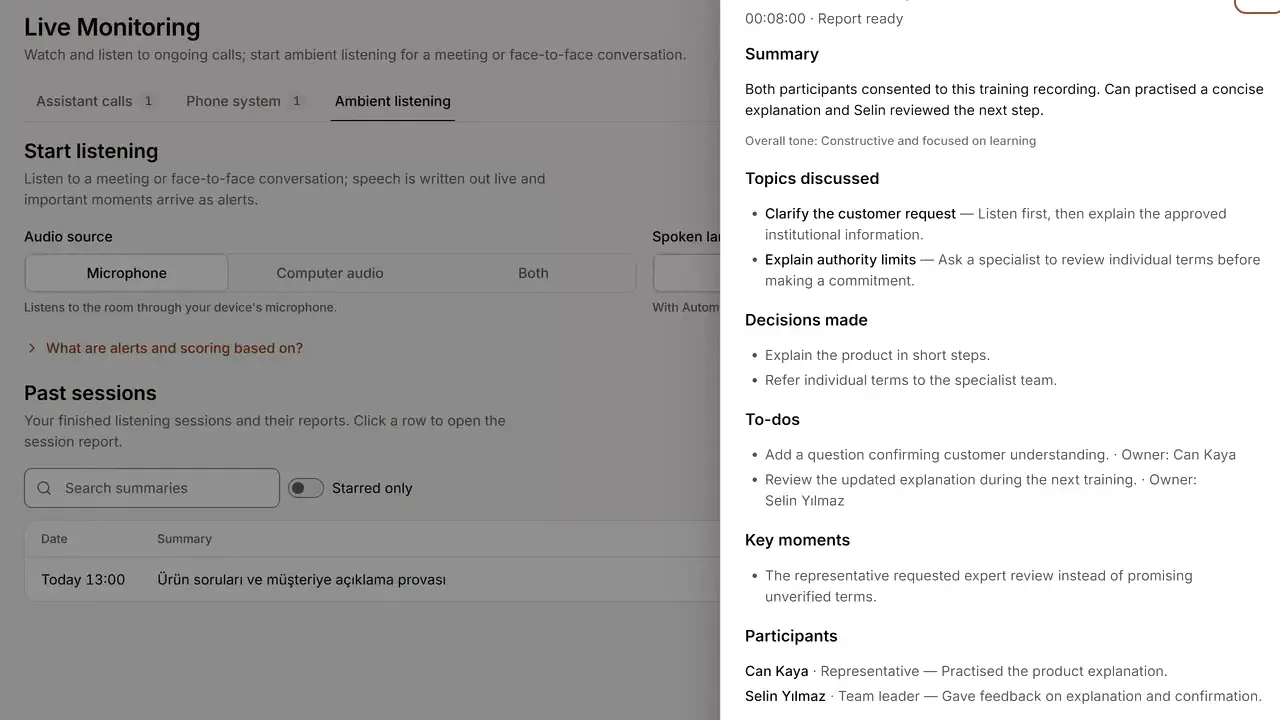
Get a live transcript from your computer's microphone or your meeting app's audio. When the meeting ends, the summary is ready.

Select the training session and open its participants and source transcript together.
What you can do
Audio source
Microphone, meeting app audio or both; volume levels are balanced automatically.
Live transcript
Sentences appear as they are spoken; a voice you know is matched to its name.
Live analysis
During the meeting, topics, decisions and to-dos collect in the side panel.
One list
Every ambient session lands in the Conversations list next to phone calls; find it with the same filters.
In a working day
The moments this product appears.
Chapters of the working day on the home page where this product does its work. Tap a card to open that chapter’s film.

Other capabilities
Voice Assistants
Build your assistant: how it greets, what it says and which tasks it handles.Live Monitoring
See ongoing calls on one screen and listen in to any of them instantly.AI Analyses
Every call is scored with your quality form; transcript, summary and outcome are prepared automatically.CRM Delivery
The outcome of a conversation lands in your system with a receipt; no second record is opened for the same conversation.
Let's see how it would work in your call center.
In a 30-minute call we listen to your operation and share a pilot plan in writing. We verify your current line’s compatibility together.