Live Monitoring
Monitor every ongoing call from one screen.
Every active line on the shift flows into one list. Tap a call to listen as it happens — the customer won't notice.

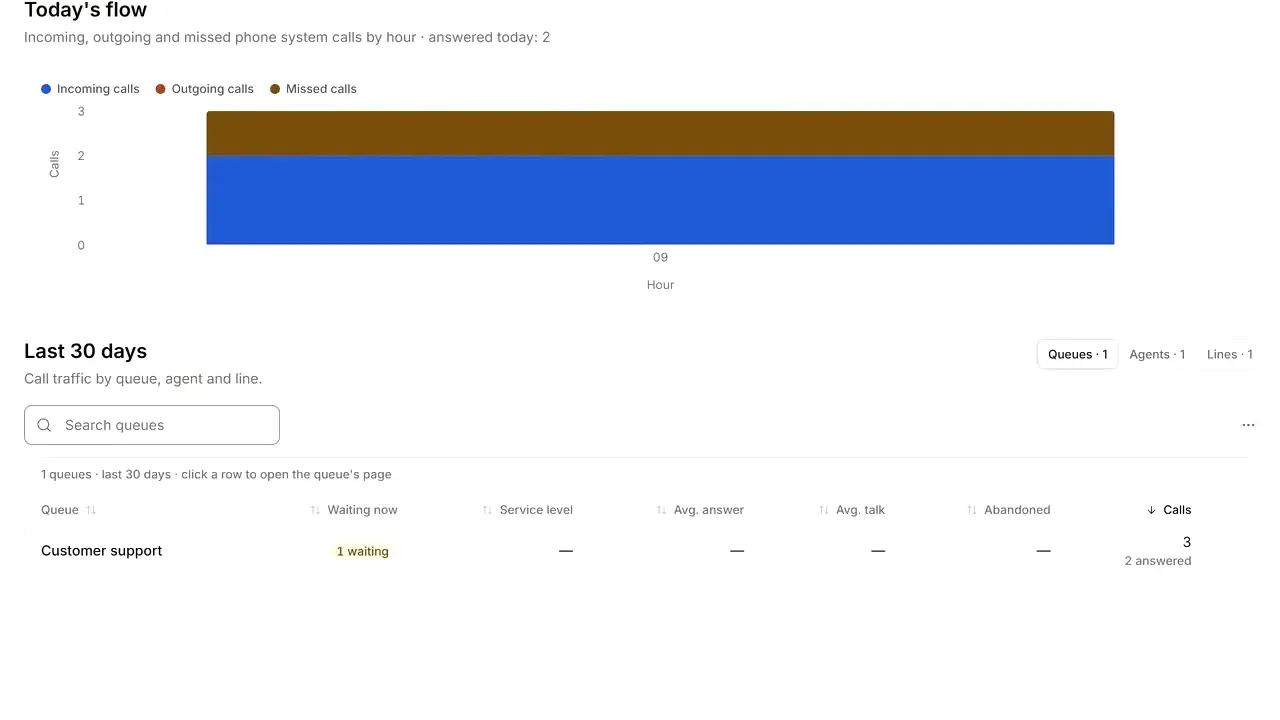
See waiting calls in the customer-support queue.
What you can do
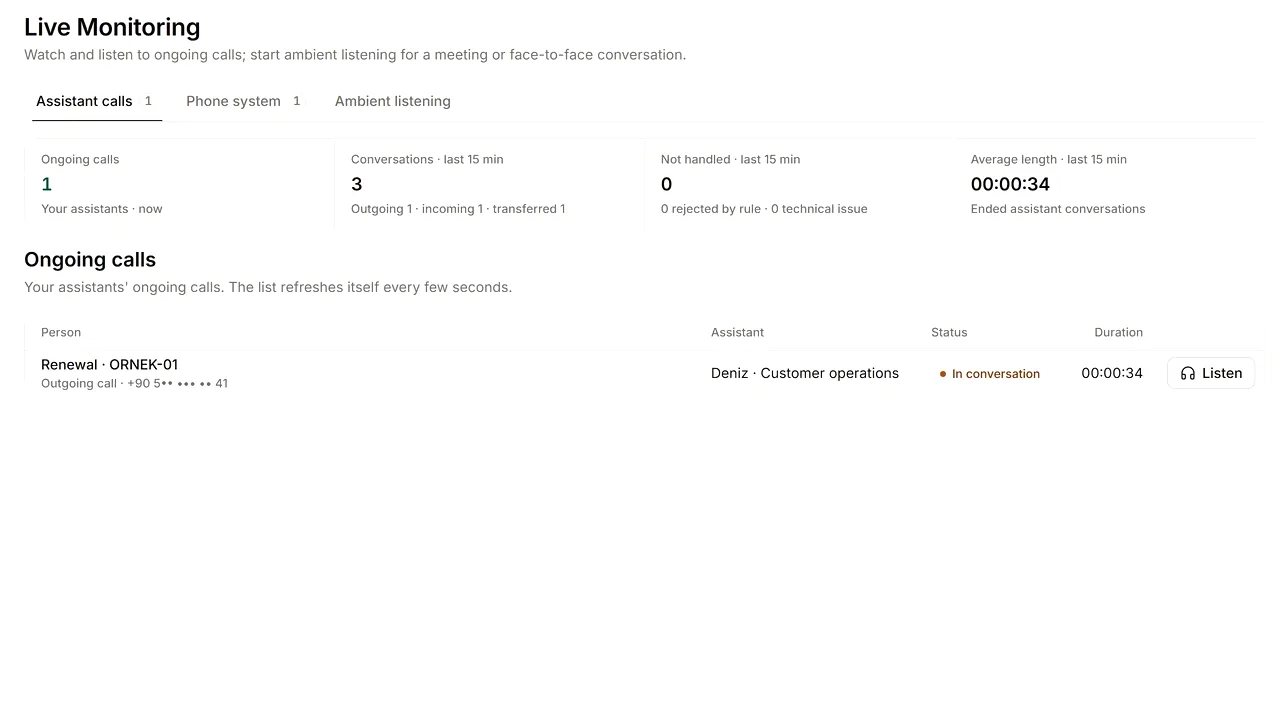
Live list
Ongoing calls, waiting callers and elapsed time in one list that updates itself.
Live listening
Tap a call and listen instantly; neither the customer nor the assistant is interrupted.
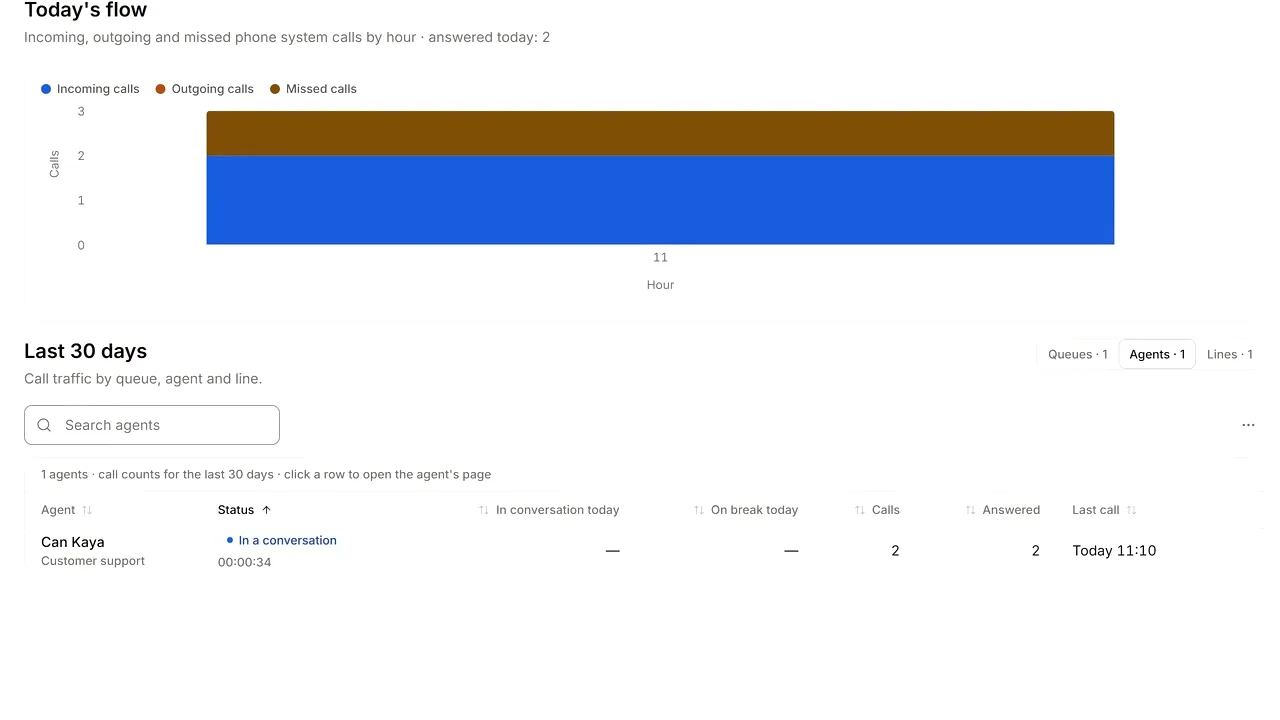
Phone system view
If you connected your phone system, you also see your agents' calls and queues in the same place.
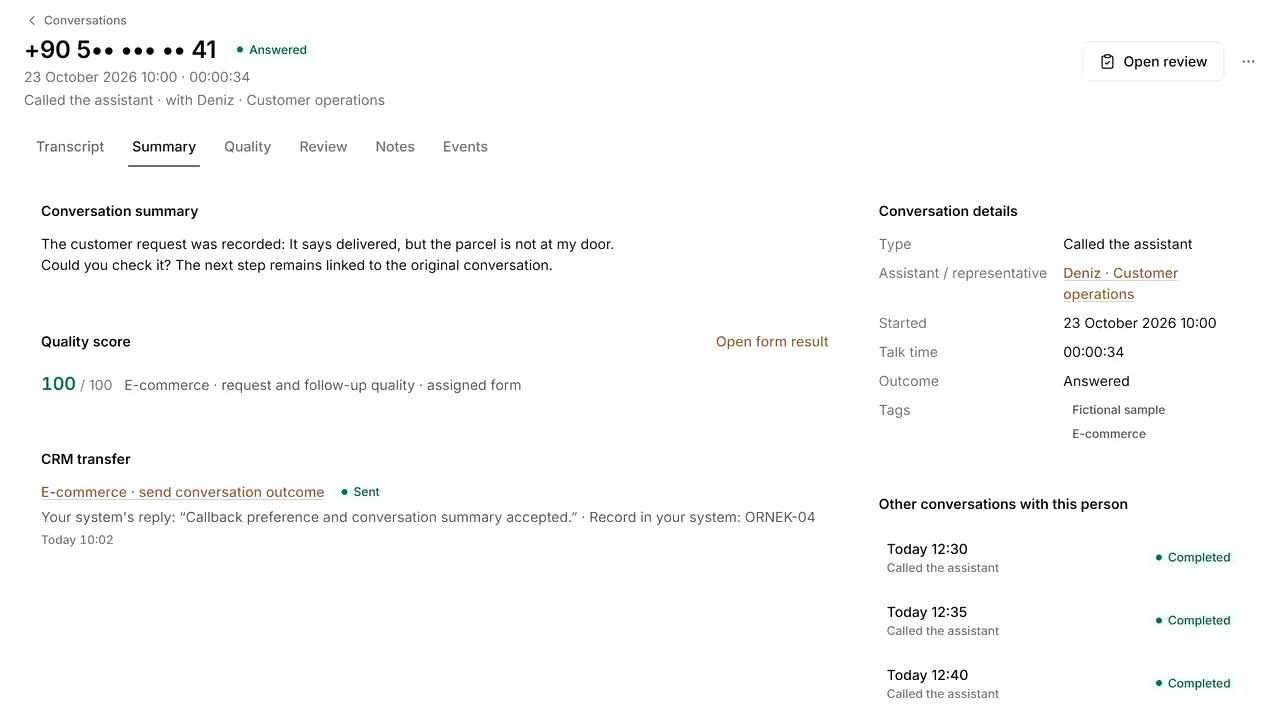
Recording and summary
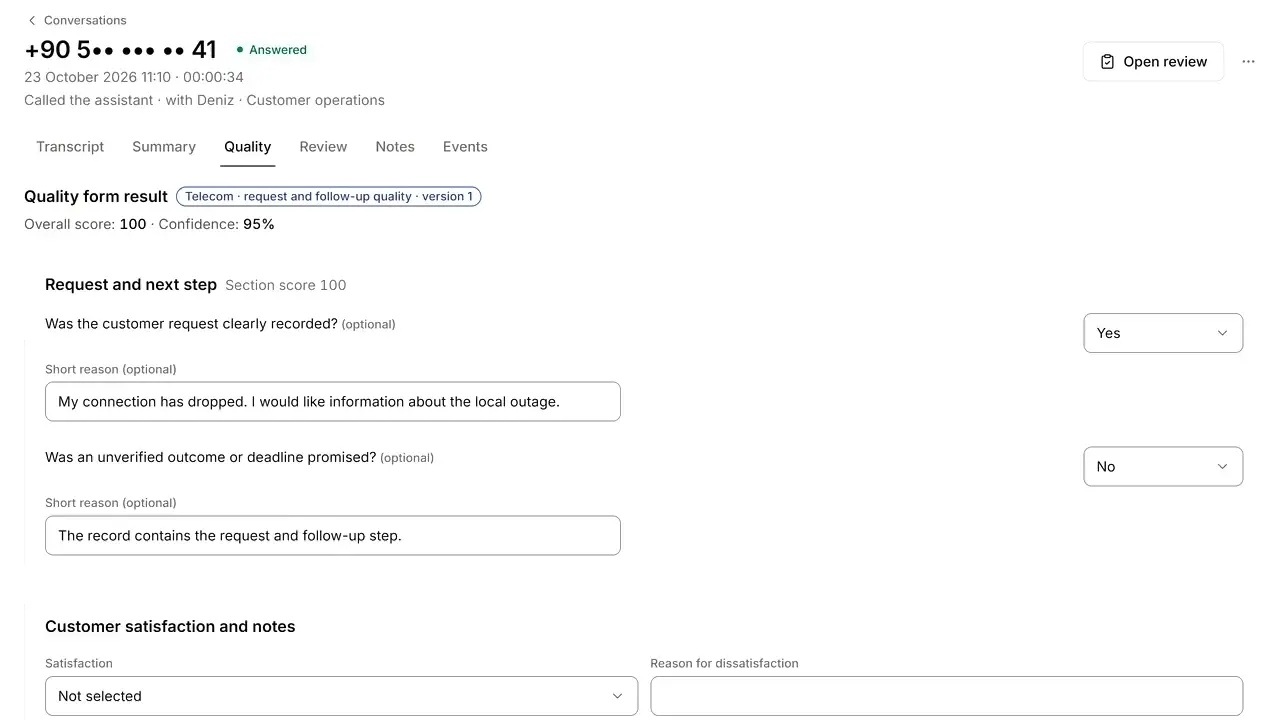
As soon as a call ends, its recording and summary land in the Conversations list; share them with one link.
A closer look
The live centre, in four points.
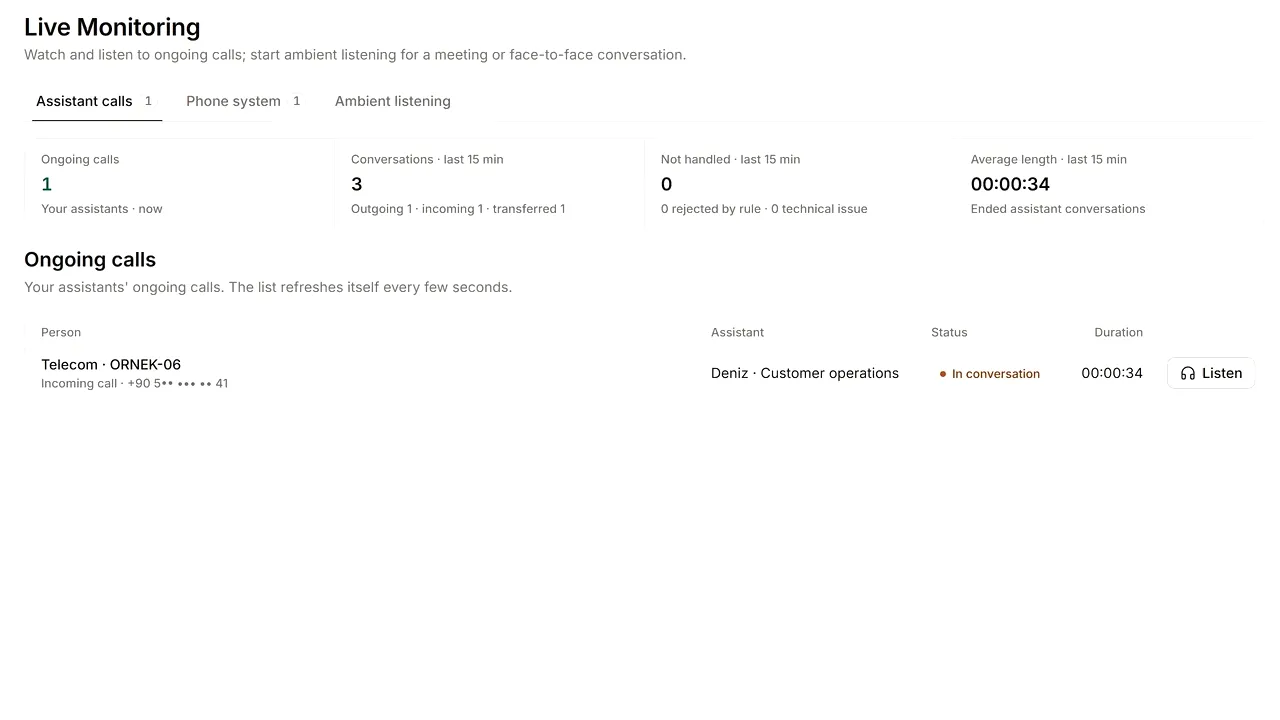
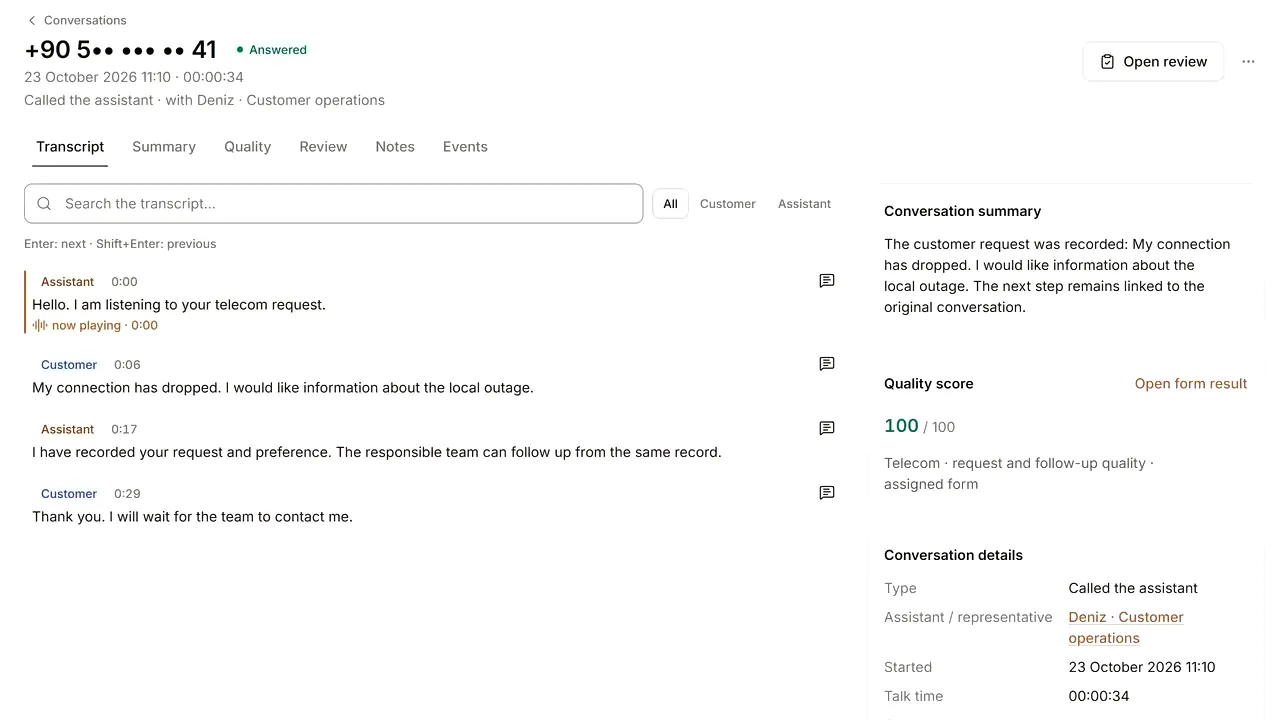
Conversation details
Tap the dots; each one explains that control in the frame.
Your assistants’ calls in progress; the number refreshes on its own every few seconds.
If your phone system is connected, your representatives and queues appear on the same screen.
An authorised person listens in to the ongoing call; the listening is written to the audit log.
In call · duration: derived from the real event, not an estimate.
Listen, mute, transfer
Authorised intervention, with an audit trail.
The team lead listens to an ongoing call; if needed, mutes it or transfers it to a verified target. Every attempt is written to the audit log, the rejected target too.
Hear the assistant’s voice
Turkish assistant voice · Sample test recording. Audio plays only when you start it.
“Before we begin, is this a convenient time?”
What the listener hears: an assistant sentence from a synthetic test session.
Intervention panel
Dramatisation · the layout of the real panel, sample values
- Listen
- Mute
- Transfer
- End
Listening · 00:01:12
- Transfer
- Target
- Claims desk · 2041
- Reason
- Customer asks about a claim file
Audit log
- 11:14 · Deniz Aksoy · Listening started · ORNEK-06
- 11:16 · Deniz Aksoy · Transfer rejected · target could not be verified (2099)
- 11:16 · Deniz Aksoy · Transfer completed · Claims desk · 2041
In a working day
The moments this product appears.
Chapters of the working day on the home page where this product does its work. Tap a card to open that chapter’s film.



Other capabilities
Voice Assistants
Build your assistant: how it greets, what it says and which tasks it handles.AI Analyses
Every call is scored with your quality form; transcript, summary and outcome are prepared automatically.CRM Delivery
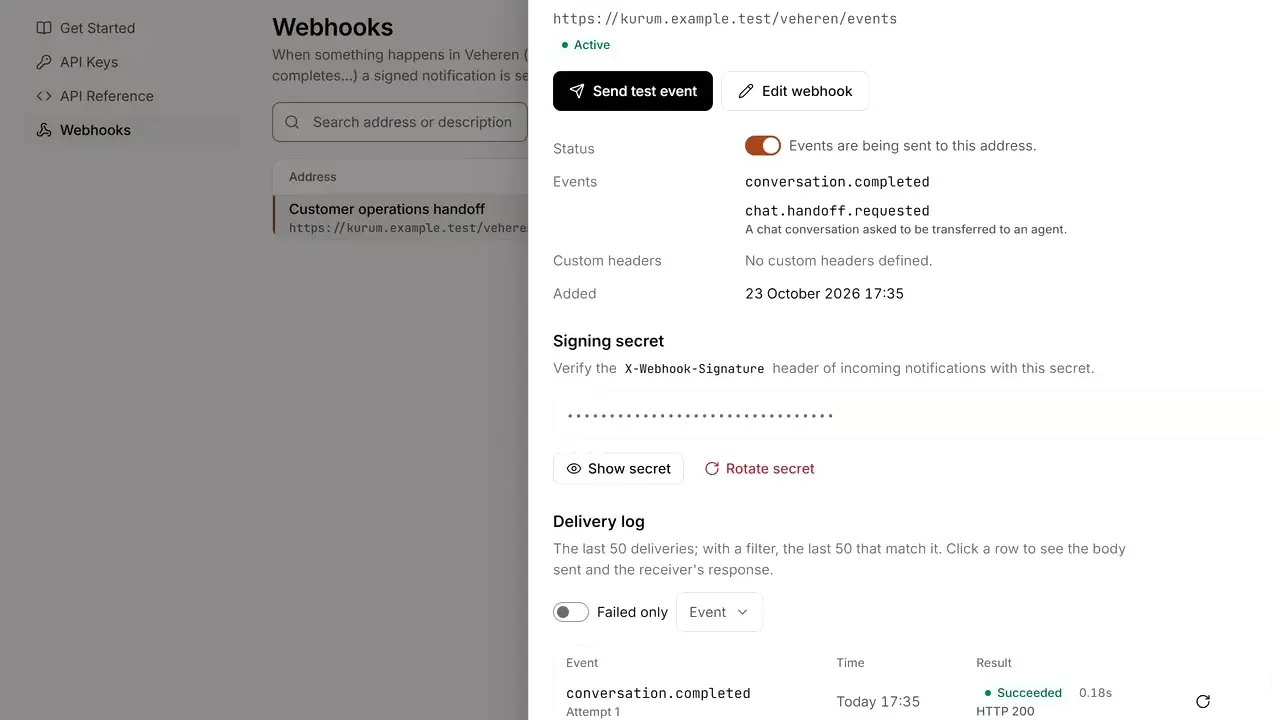
The outcome of a conversation lands in your system with a receipt; no second record is opened for the same conversation.Ambient Listening
Record meetings and face-to-face conversations; transcript and summary are prepared automatically.
Let's see how it would work in your call center.
In a 30-minute call we listen to your operation and share a pilot plan in writing. We verify your current line’s compatibility together.